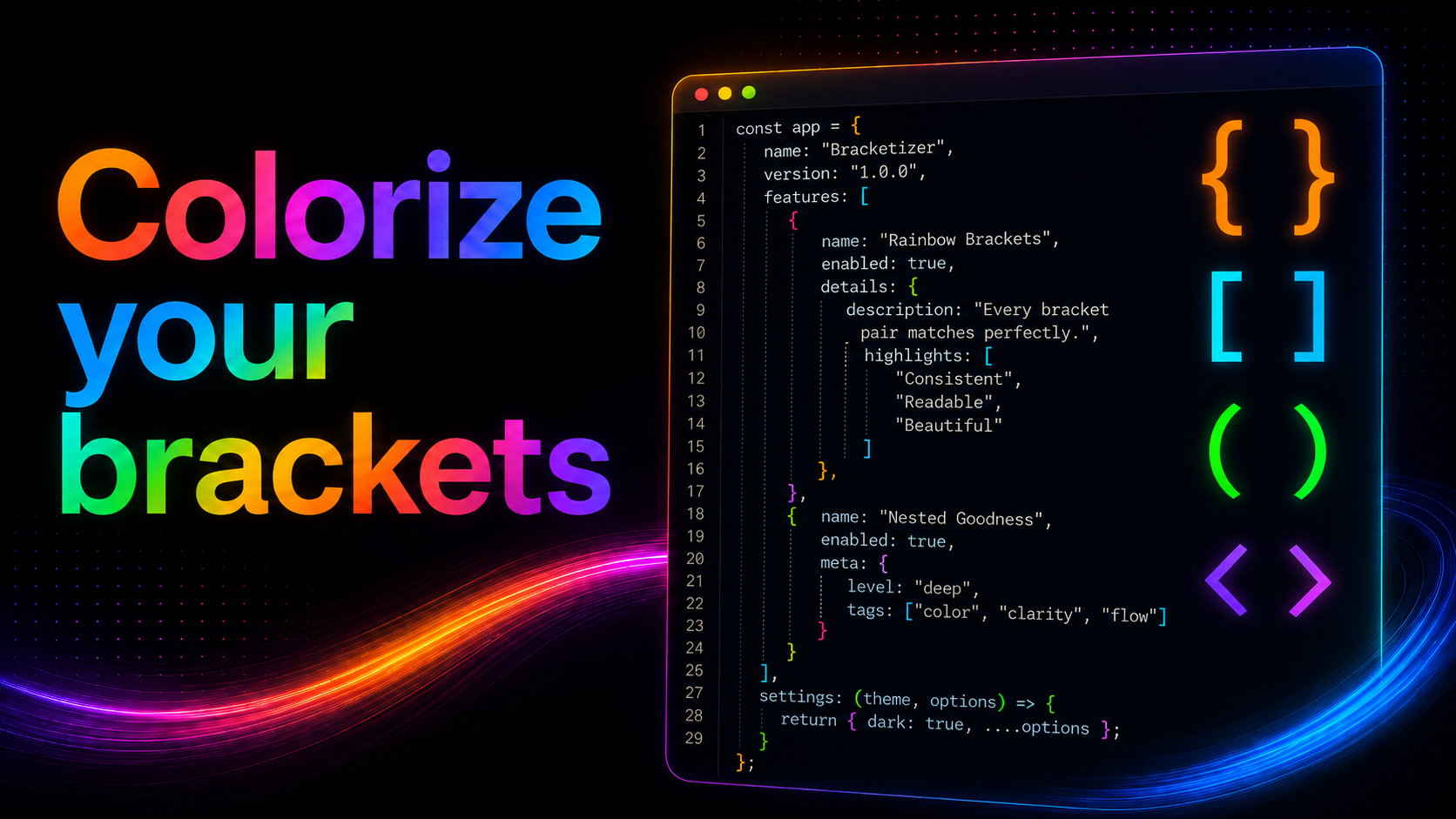
If you've ever lost track of which "}" closes which "{" ten levels deep in a gnarly function, you know the problem Bracket Colorizer solves. It colorizes matching brackets by nesting depth often called "rainbow brackets". So every pair of "()", "[]", and "{}" (with "<>" support available too) gets a color based on how deeply it's nested. Instead of squinting and counting braces, your eyes just follow the color.
Why a bit of color changes so much
It's a small idea, but it changes how deeply nested code feels to read. Long conditionals, deeply nested JSON like structures, callback chains, anything with a lot of bracket stacking becomes noticeably easier to parse at a glance.
Why I built it
I wanted this exact kind of bracket highlighting available cleanly across JetBrains IDEs: IntelliJ IDEA, WebStorm, PyCharm, and the rest of the family, without extra baggage. So I built Bracket Colorizer to do one thing well: colorize brackets by depth, reliably, out of the box.
How to get it
You can grab it directly from the JetBrains Marketplace. Install it the usual way open your IDE's Settings/Preferences → Plugins → Marketplace, search for "Bracket Colorizer," and hit Install.
Tell me what you think
This is a first release, so I'm actively looking for feedback: bugs, edge cases or something else. If you try it out, I'd genuinely love to hear what you think. Reviews on the Marketplace page help a lot, and they're the best way to shape where this goes next.
Thanks for reading, and happy (colorful) coding to all of you!